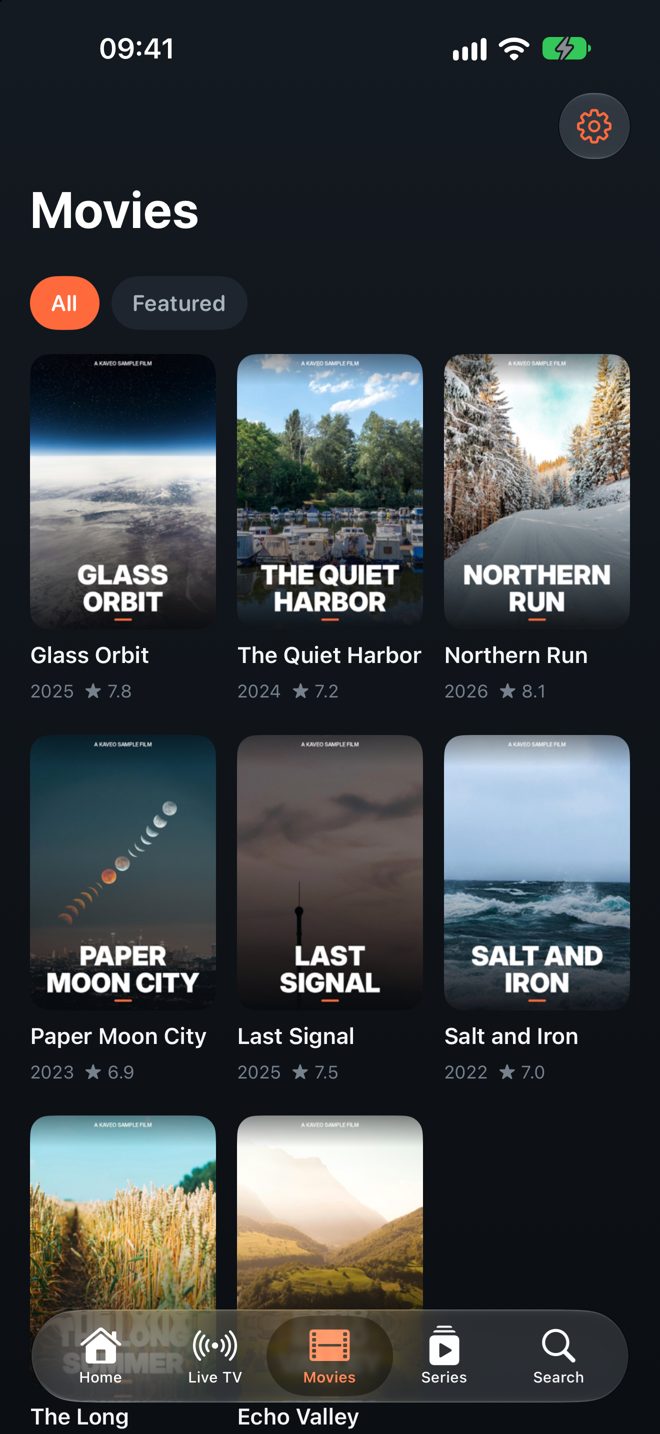
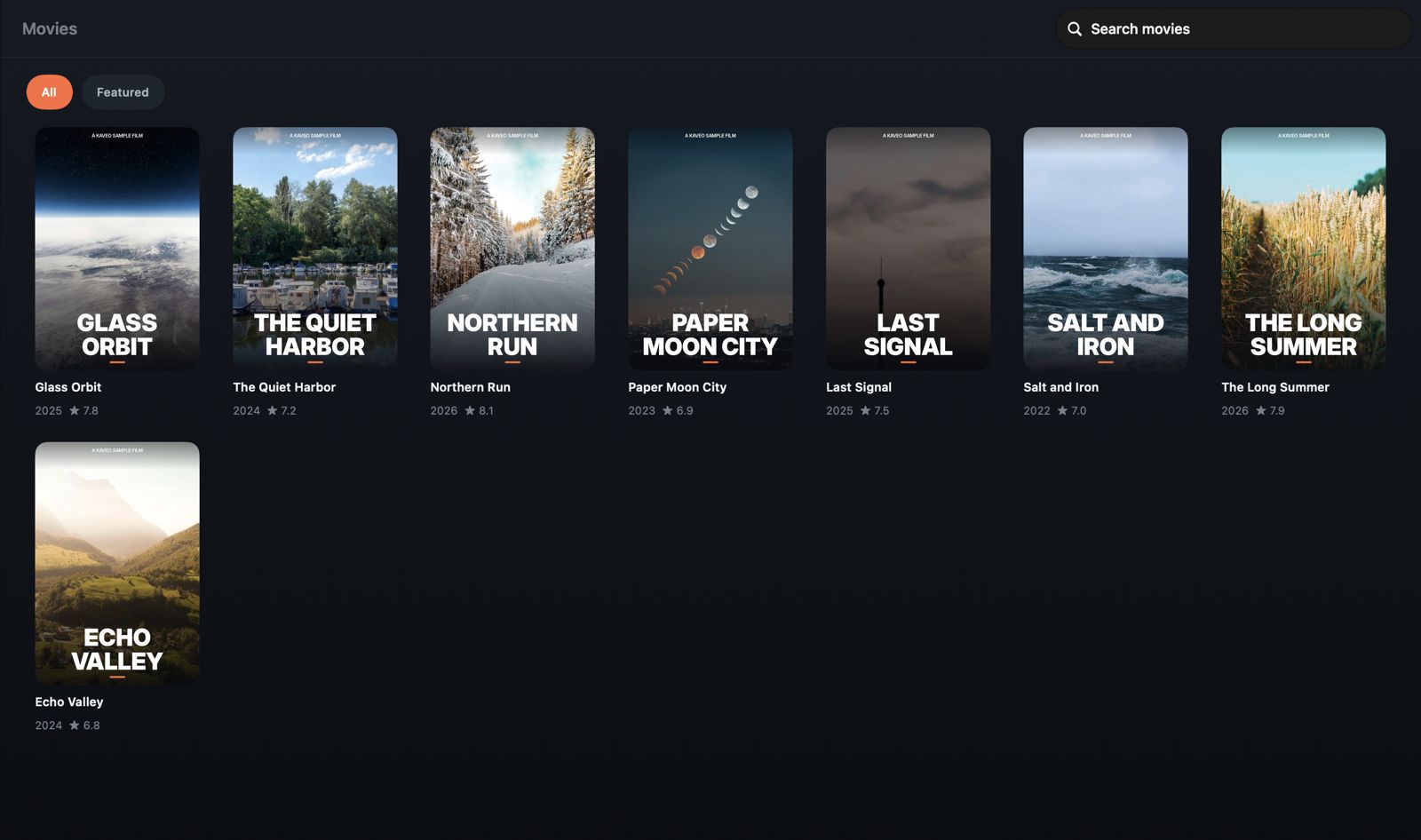
Kaveo plays the M3U and Xtream playlists you already have, with a real TV guide, favorites, widgets and a player that handles almost any format.
Kaveo is a media player. It does not provide, sell or host any channels or content.
HLS, MPEG-TS, MP4, MKV, AVI, FLV, RTMP and RTSP with two playback engines and automatic fallback.
XMLTV guide with now and next right in the channel list, plus a timeline view for every channel.
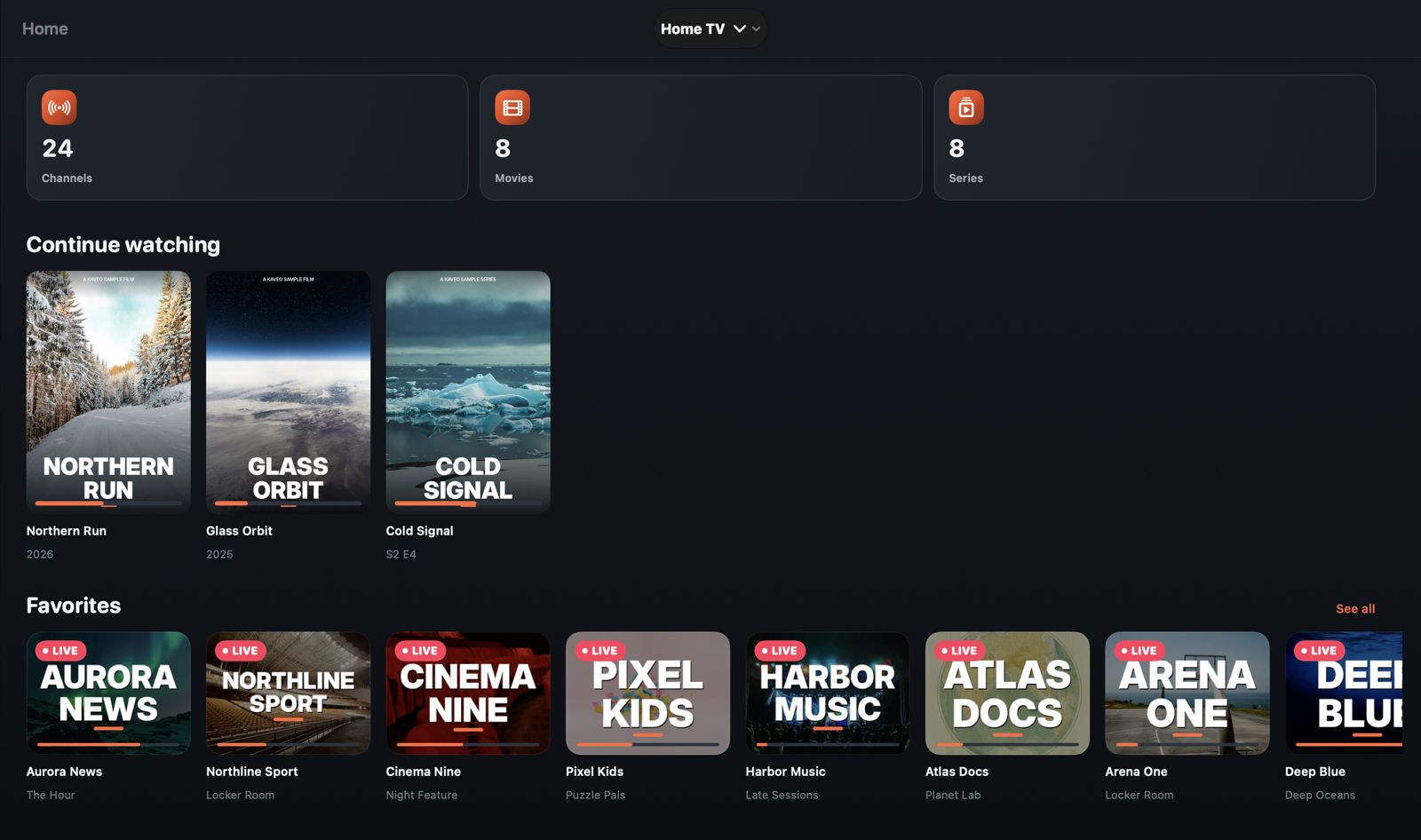
Keep your channels close and pick movies and series up exactly where you stopped.
Subscribe once with your Apple Account and use Kaveo on iPhone, iPad, Mac and Apple TV.
Your playlists and favorites follow you to every device. Set things up once.
Home Screen and Lock Screen widgets, a Control Center button and favorites on the Apple TV Top Shelf.
Kaveo turns long playlists into a clean library with posters, categories and fast search, and picks up right where you stopped. Picture in picture, AirPlay and a sleep timer are built in.
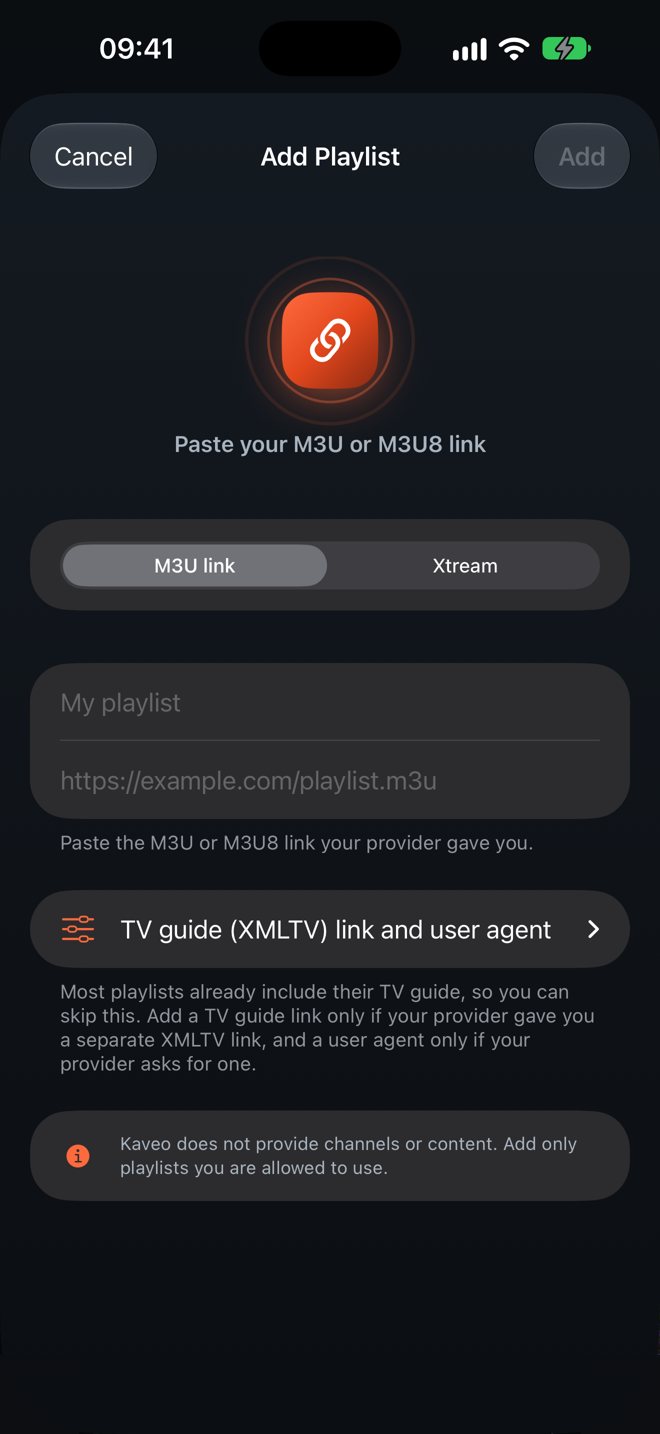
Use the M3U link or Xtream login from a provider you already have, or any list you are allowed to use.
Paste the link or sign in with the server, username and password. Kaveo sorts live TV, movies and series for you.
Open Kaveo on any of your Apple devices. Your playlists are already there.
Your playlist links and logins stay on your devices and in your own iCloud. Kaveo shows no ads and does not track you. Read the privacy policy.
Kaveo is a media player. It does not provide, sell or host any channels, streams or other content. You need your own playlist, and you should only add content you have the right to watch.
Write to ovemora.support@gmail.com or visit the support page. We usually answer within two business days.